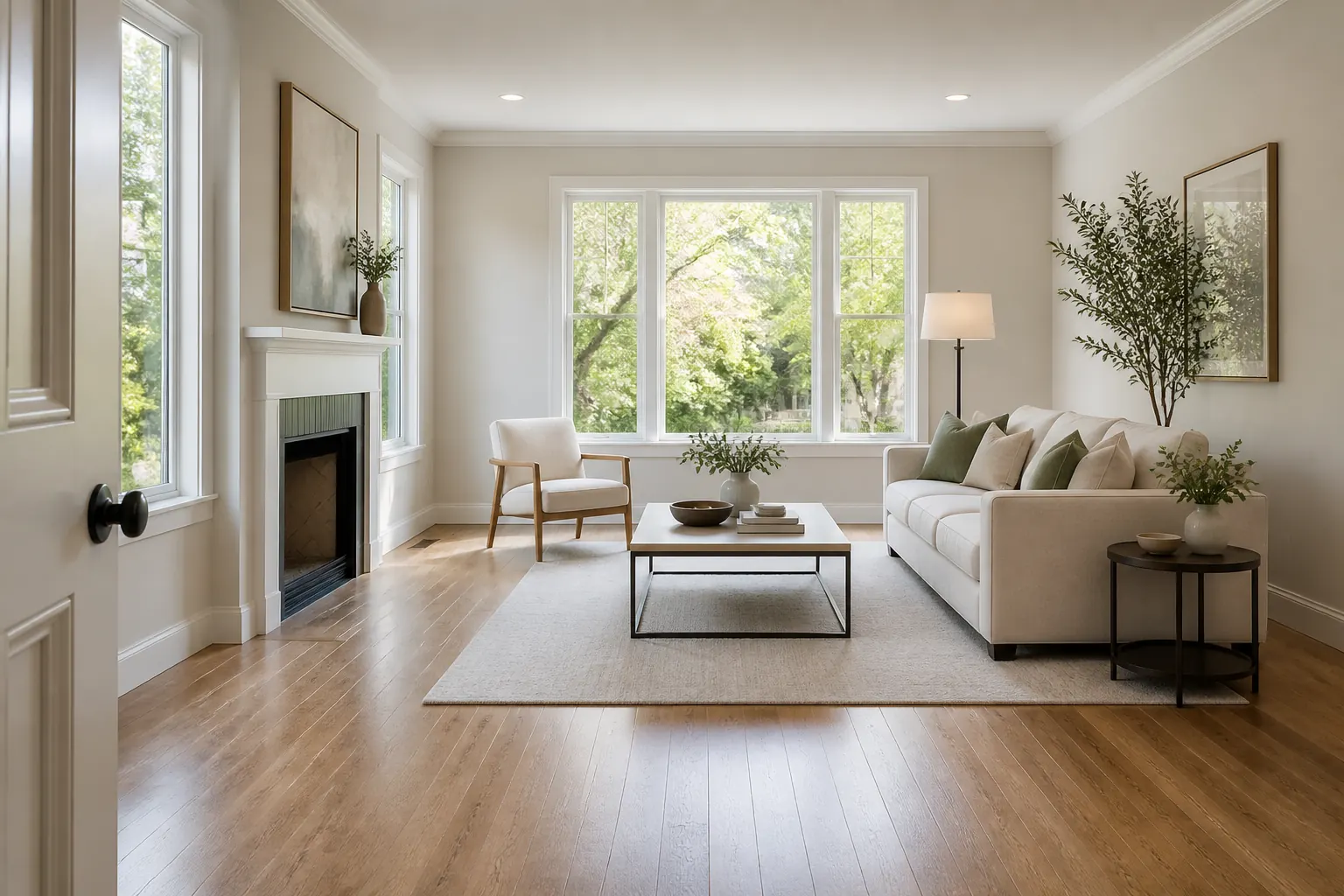
Quick answer: use AI virtual staging when an empty room is difficult to read online or when you want to compare a few furnishing directions before paying for physical staging. Start with a wide, well-lit photo that shows windows, doors, floor area, and fixed features. Generate a small number of distinct concepts, compare them against the actual property, and disclose material digital changes according to your MLS, brokerage, and local market rules. The output should help someone imagine the room, not hide its condition or change what the property actually includes.
What to Prepare Before Virtual Staging a Property
A vague request such as “make this room look expensive” gives an AI tool too much freedom. Better inputs keep the result useful for agents, sellers, photographers, and buyers who need to understand the actual listing.
- One honest listing photo: choose a wide, level image with natural light when possible. Include the floor, ceiling, windows, doors, built-ins, fireplace, radiators, and visible circulation instead of cropping away the constraints that matter.
- The room's intended use: say whether the space is a living room, primary bedroom, dining room, home office, guest room, or flexible area. A buyer needs to see a believable use, not a random collection of attractive furniture.
- Fixed features and no-go changes: identify walls, windows, doors, flooring, ceiling details, fireplaces, views, and permanent fixtures that must remain unchanged. Do not ask the model to remove defects or invent an extra window simply because it looks better.
- Audience and property context: note whether the home is a compact rental, family property, luxury listing, vacation home, or renovation project. The right furniture scale and styling depend on the likely buyer or renter and on the property's real character.
- Disclosure and delivery plan: decide where the image will appear, who will review it, and how the listing will identify virtual staging. Keep the original photo available so viewers can compare the concept with the actual room.
Real Estate Scenes AI Virtual Staging Can Test
The goal is not to make every room look like the same showroom. Generate a few options that answer real listing questions: how the space works, who it suits, and which furniture scale feels credible.
1. Empty living room with clear circulation
A sofa, two chairs, a coffee table, and a rug can show buyers how the main room functions without filling every corner. Keep a visible path to doors and windows so the image communicates openness rather than hiding it.
2. Primary bedroom with practical proportions
A bedroom concept can make an empty room easier to read, especially when the bed wall, closet access, and window position are unclear in a wide listing photo. Use a bed size and nightstand spacing that could actually fit the room.
3. Flexible office or guest room
A small spare room may appeal to different buyers as an office, guest room, nursery, or study. If flexibility is the selling point, create separate concepts rather than mixing a bed, desk, gym equipment, and nursery furniture into one confusing image.
4. Dining or entertaining zone
Dining furniture can help viewers understand the relationship between a kitchen, dining area, and living room. The table should leave room for chairs to move, and the image should not imply a larger footprint than the property has.
5. Light-touch staging for an occupied room
When a room already contains furniture, a restrained concept can show a cleaner arrangement or a different style direction. Use this carefully: the more the image changes, the more important it becomes to label the result and retain the original listing photo.
How to Create Virtual Staging Photos for Real Estate
A reliable listing-photo workflow is a short loop: document the property, generate a few controlled options, and bring the preferred concept back to the real room. This is more useful than publishing the first attractive render. For measurement-heavy decisions, pair it with the floor plan and room photo guide.
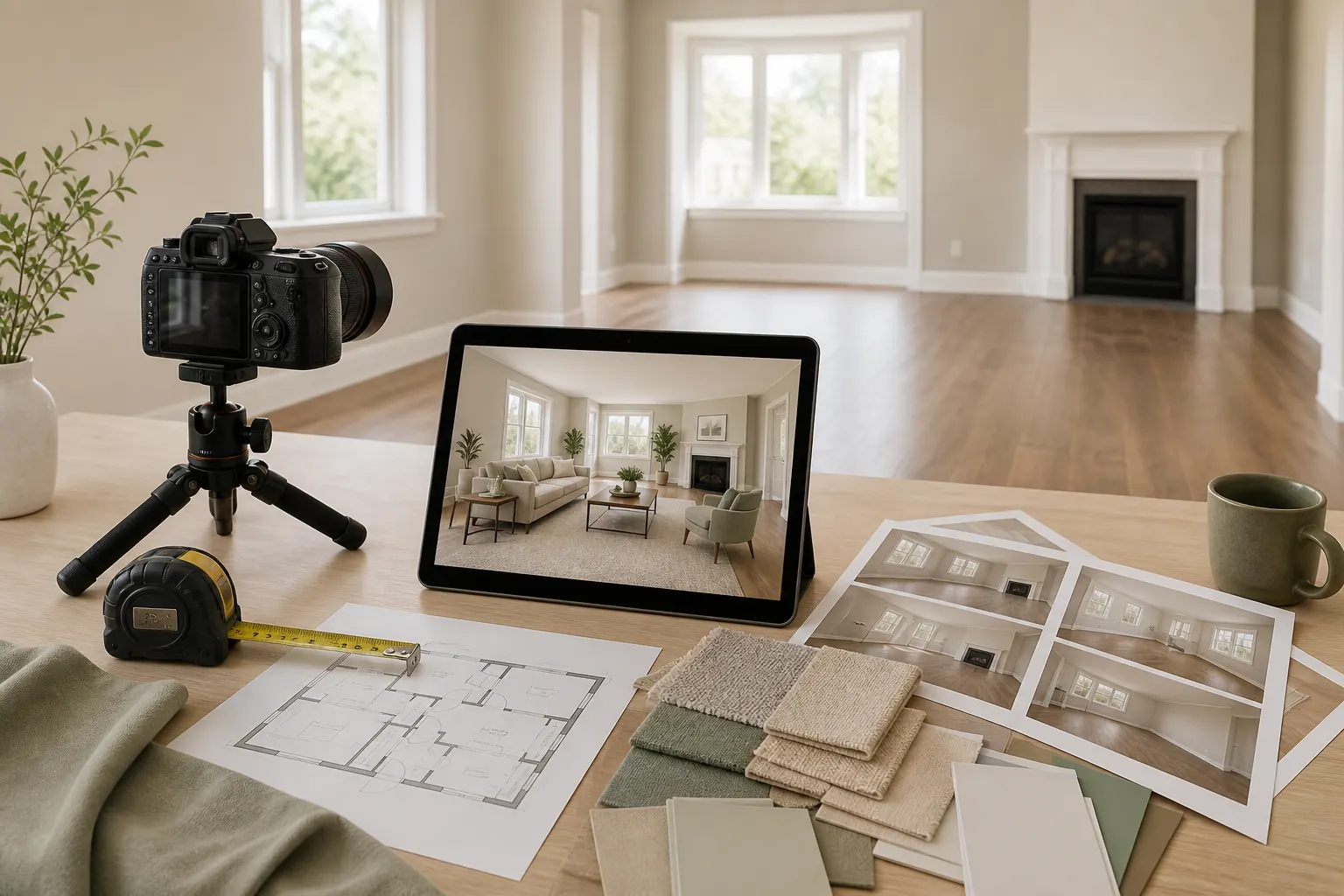
- 1. Photograph the room without hiding constraints. Use a level camera position and enough width to show the room's shape. Include doors, windows, floors, built-ins, and views. Remove temporary clutter if it distracts from the room, but do not erase fixed damage or permanent features that a buyer will encounter.
- 2. Choose one clear staging brief. Name the room, intended audience, style direction, and must-keep features. Add practical limits such as a narrow walkway, a fireplace, a low window, a rental restriction, or a need for family-friendly storage.
- 3. Generate two or three distinct concepts. Make each variation answer a different question: a light-touch neutral option, a family-friendly layout, or a premium styling direction. A small set is easier to compare and less likely to create a gallery of nearly identical images.
- 4. Review the result against the property. Check whether the windows, doors, floor, fireplace, built-ins, and room proportions remain credible. Look for furniture that is too large, blocked circulation, invented views, or changes that could make a buyer misunderstand the listing.
- 5. Publish with context and keep the original. Label the image according to your local listing and brokerage rules, keep the unstaged photo available, and avoid presenting a virtually furnished room as if the furniture transfers with the property. Use the concept to start a conversation, not to replace a showing or inspection.
Compare Staging Concepts Before Publishing a Listing
Use the same questions for every AI result. A concept that looks attractive but changes the room's geometry or hides a limitation is less useful than a calmer image that helps a buyer understand the property.
| Decision | Let AI explore | Verify before publishing |
|---|---|---|
| Furniture style | Neutral, modern, coastal, traditional, or another audience-appropriate direction | Whether the style fits the property's location, architecture, likely buyer, and listing strategy |
| Furniture scale | Sofa, bed, dining table, desk, and rug combinations | Actual room dimensions, door swing, window clearance, walking paths, and product proportions |
| Room function | Living room, office, guest room, dining zone, or flexible use | Whether the claimed use is realistic and whether the image leaves the property's true layout understandable |
| Photo enhancement | Light, color balance, decor, and removable furniture | Whether any edit changes a material condition, permanent feature, view, or expectation about what is included |
| Listing presentation | A clean visual direction that helps people imagine the space | Disclosure wording, MLS or marketplace rules, brokerage review, and access to the original photo |
Cost, Disclosure, and Limits of Virtual Staging
There is no single universal price for virtual staging. Providers may charge per image, per room, by subscription, or for a combination of AI generation and human retouching. Compare the number of revisions, delivery time, image rights, watermark policy, and quality control instead of looking only at the lowest advertised price. The question “how much is virtual staging for real estate?” is best answered after you know how many listing photos need work and how much review each image requires.
Disclosure matters because a staged image can change what a viewer thinks the property contains. The National Association of REALTORS® consumer guide describes virtual staging as digitally enhancing a property photo and notes that material changes should be disclosed. Always follow the rules of the relevant MLS, marketplace, brokerage, and jurisdiction rather than treating one generic label as universal.
Virtual staging also cannot verify construction, measurements, electrical capacity, plumbing, moisture, structural conditions, code compliance, or the availability of the furniture shown. The NAR Profile of Home Staging is useful context for why presentation can help buyers visualize a home, but it is not a substitute for a property inspection or a complete listing disclosure.
FAQ About Virtual Staging for Real Estate
What is virtual staging in real estate?
Virtual staging uses software to add or adjust furniture, decor, lighting, or other visual elements in a property photo. It is usually used to help buyers imagine how an empty or lightly furnished room could function. The staged image is a concept and should not be treated as a record of what comes with the property.
Is virtual staging for real estate better than physical staging?
Neither is always better. Virtual staging is faster and can create several directions at a lower operational burden, while physical staging lets buyers experience scale, texture, movement, and furniture in person. Use the option that matches the property, marketing plan, budget, and showing strategy.
How much is virtual staging for real estate?
Costs vary by provider, image count, turnaround time, revision policy, and whether a human editor reviews the result. Ask for a complete quote that explains per-image charges, subscriptions, revisions, licensing, and any delivery or watermark limits.
Can I create virtual staging photos for real estate photography with AI?
Yes. Start with a clear photo, describe the room's intended use, preserve fixed architecture, and create a few distinct options. Review every image against the actual property before using it in a listing, and disclose material changes according to the rules that apply to your market.
Should virtual staging be disclosed to buyers?
Material digital changes should be disclosed when required by the relevant MLS, brokerage, marketplace, or local rules. Keep the original photo and use clear labels so viewers understand which image is a visual concept and which image shows the room as photographed.
Which app should estate agents use for virtual staging?
Choose a workflow that accepts the photo types you use, preserves fixed features reasonably well, gives you enough control over room type and style, and makes review and disclosure easy. You can try the AI virtual staging tool for early concepts, then compare the output with your actual listing-photo process.
Try Virtual Staging on a Real Listing Photo
Upload an empty or lightly furnished room, compare a practical staging direction, and use the result as a starting point for your listing conversation.
Start AI Virtual Staging